Setup
Once Human Hacks Setup Guide for Windows 10 and 11
Oct 8, 2026 · Updated Nov 21, 2026 · 4 min read
How to install Once Human Hacks on PC: check status, download the portal loader, pick a conservative preset, and launch Once Human without guessing at steps.
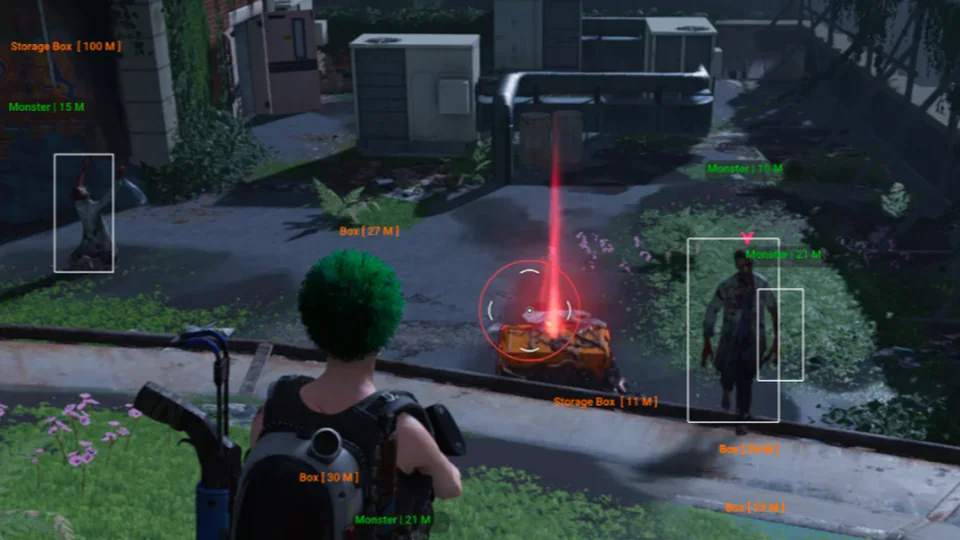
Once Human hack download requests usually mean “where is the loader,” not a public zip. On this site the file lives in the operator portal after you pay. If someone DMs you a link, ignore it.
This setup guide is for Windows 10 and 11. Console and macOS are not supported.
1. Check status before you download
The homepage banner and Discord #status are the first step. If the banner shows updating, testing, or offline, wait. Launching an old build after a Once Human patch is how keys get burned on a Friday night.
2. Finish checkout, then open the portal
Buy from the product hub. Payment runs on the merchant page. When it clears, the portal unlocks the current loader, a setup note, and config backups.
Use the same email you paid with. If the portal is empty after 20 minutes, open a ticket with the receipt ID. Do not re-buy.
3. Windows notes that actually matter
Run the loader as administrator the first time. Add an exclusion for the portal download folder if Defender eats the file. Do not exclude your whole user profile. Close RGB software, third-party overlays, and fullscreen exclusive mode. Borderless windowed is the usual fix when inject sits on “waiting for game window.”
Start the loader after the Once Human main menu exists, not at the splash. Intel and AMD are both listed. Confirm HVCI, Core Isolation, TPM, and Secure Boot notes on checkout if the merchant lists them.
4. Load a conservative preset
Enable a tight aimbot FOV, a short ESP range, and default colors. Save that profile before you touch creature radar or max distance. The aimbot settings and ESP guides explain why.
If Cloud DMA is part of your stack, finish that installer first. Spoofer and skin changer listings treat Cloud DMA as required for full functionality.
5. After it works, stop tinkering
When the menu opens and overlays look readable, save the config. Then play a low-stakes PvE run before a contested PvP fight. If the menu bind dies after a patch, grab the portal build even if the old loader still launches.
Stuck? The troubleshooting FAQ and Discord walkthroughs cover the usual errors. Include Windows version, exact loader text, and your order email.
Questions about this guide
- Where do I download Once Human Hacks?
- Only from your operator portal after checkout. Never from Discord DMs or comment links.
- The loader says waiting for game window. What now?
- Switch to borderless windowed, start the loader after the main menu loads, and close overlay apps. See the forum setup thread if that fails.
- Do I install files into the Once Human folder?
- No. The loader runs external. Nothing is dropped into the game directory.
Keep reading
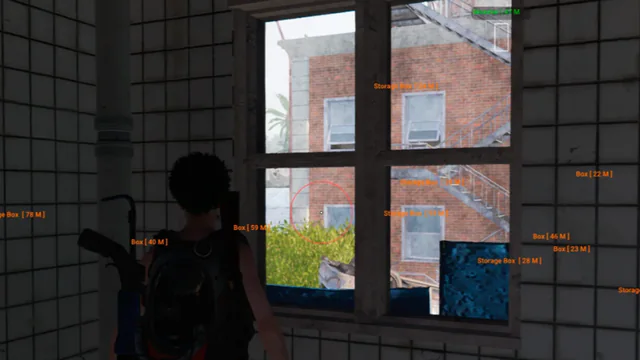
Buyer's Guide
Best Once Human Hacks in 2026: What to Check Before You Buy
A practical checklist for Once Human Hacks on PC: module lists, live status, loader delivery, and what separates usable aimbot and ESP from empty marketing.
Oct 22, 2026 4 min read
Read buyer guide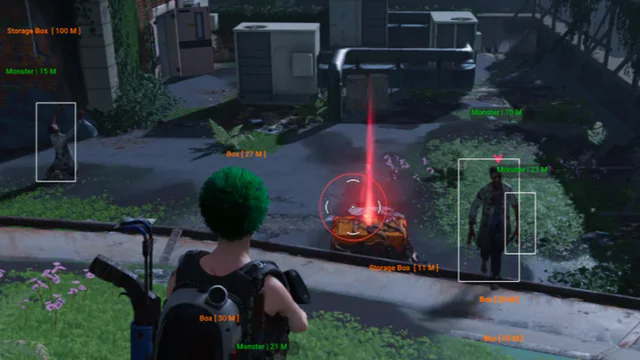
Settings
Once Human Aimbot Settings: FOV, Smoothing, and Bone Priority
How to tune Once Human aimbot settings on PC: FOV, smoothing, bone selection, visibility checks, and distance caps without stuffing a clip with snaps.
Oct 18, 2026 4 min read
Read settings guide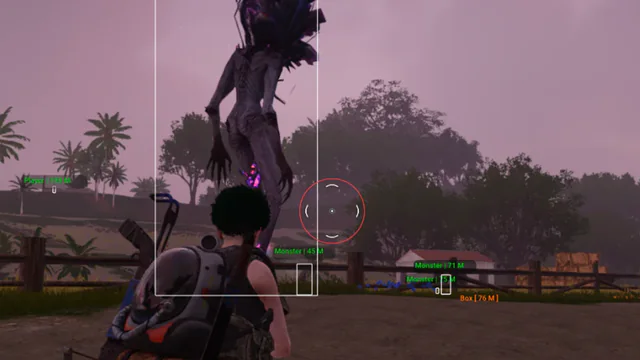
Plans
Once Human Hacks Plans: Complete Suite vs Utilities
Compare Once Human cheat software on PC: the Complete suite versus Cloud DMA, HWID Spoofer, and Skin Changer. Confirm modules on checkout.
Oct 14, 2026 4 min read
Read plan comparison