Setup
Once Human Hacks Troubleshooting: Loader, Menu, and Overlay Issues
Sep 24, 2026 · Updated Nov 21, 2026 · 4 min read
Fix common Once Human Hacks problems on PC: waiting for game window, dead menu key after a patch, Defender flags, and overlay capture leaks.
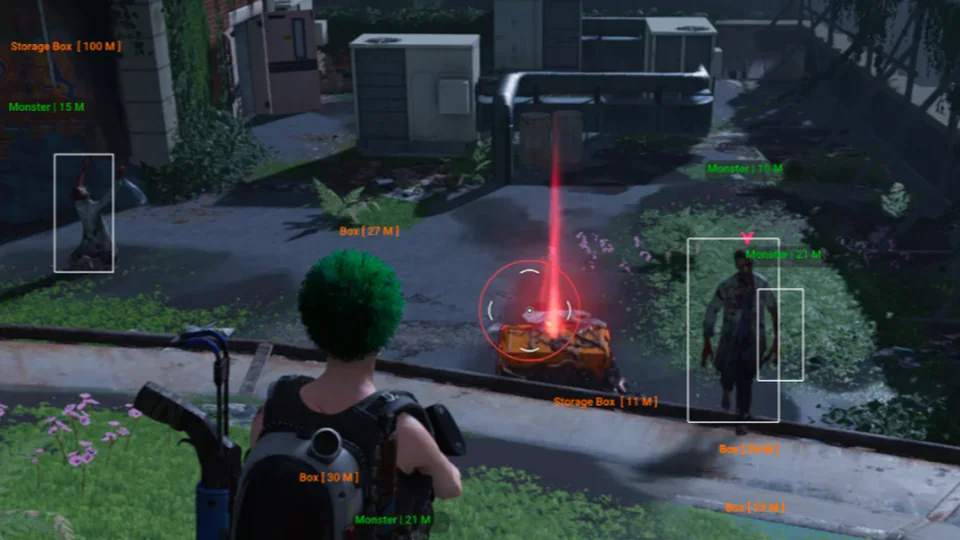
Once Human Hacks troubleshooting is almost always one of five things: status, launch order, Windows, a stale loader, or overlays you did not test.
Work the list in order. Skipping to “reinstall Windows” wastes a night.
Status first
If the banner is offline, updating, or testing, stop. A Once Human patch can kill the menu bind while the old loader still says compatible. Wait for an online note, then download the portal build.
Waiting for game window
Switch Once Human to borderless windowed. Close overlay apps and RGB software. Run the loader as administrator. Start it after the main menu, not at the splash. Reboot once if you just added a Defender exclusion.
Fullscreen exclusive is the usual blocker. Forum setup threads linked from Complete repeat this because it keeps working.
Menu key dead in-game
Grab the current portal file even if yesterday’s loader launches. Rebind only after the new build is in place. If status flipped to updating while you were in a session, wait it out. Do not spam inject.
Defender and SmartScreen
Exclude the portal download folder, not the game install and not your whole user directory. Re-download from the portal. Files from Discord comments are not a support channel.
Overlay in OBS or Discord
Stream-safe modes are build-specific. Record 20 seconds locally before you go live. After a patch, test again. If it leaks, disable ESP for that session. Capture notes live in the forum, not in a static FAQ.
Still stuck
Email or Discord with order email, Windows 10 or 11, how you launch Once Human, exact loader text, and a screenshot. The support page checklist exists so tickets are not bounced. Refunds follow Terms. Change of mind and bans are not covered.
Questions about this guide
- The menu key does nothing after an update. What should I do?
- Check Discord #status and the homepage banner. Wait for online, then replace the loader from the portal even if the old file still launches.
- Windows Defender deleted the loader.
- Exclude the portal download folder, then re-download from the portal. Do not grab a replacement from a random DM.
- Overlays show in OBS.
- Record a short local clip. Capture settings that were clean last month can leak after a game update. Some players disable ESP while streaming.
Keep reading
Buyer's Guide
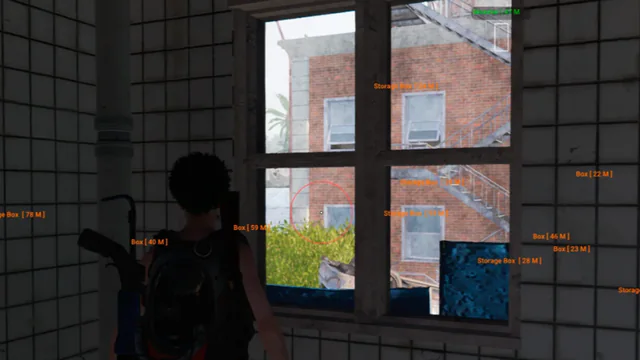
Best Once Human Hacks in 2026: What to Check Before You Buy
A practical checklist for Once Human Hacks on PC: module lists, live status, loader delivery, and what separates usable aimbot and ESP from empty marketing.
Oct 22, 2026 4 min read
Read buyer guide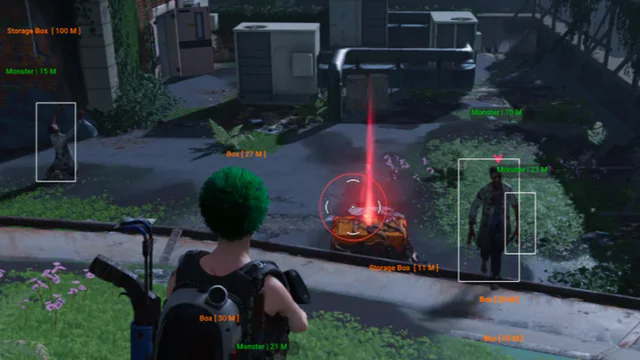
Settings
Once Human Aimbot Settings: FOV, Smoothing, and Bone Priority
How to tune Once Human aimbot settings on PC: FOV, smoothing, bone selection, visibility checks, and distance caps without stuffing a clip with snaps.
Oct 18, 2026 4 min read
Read settings guide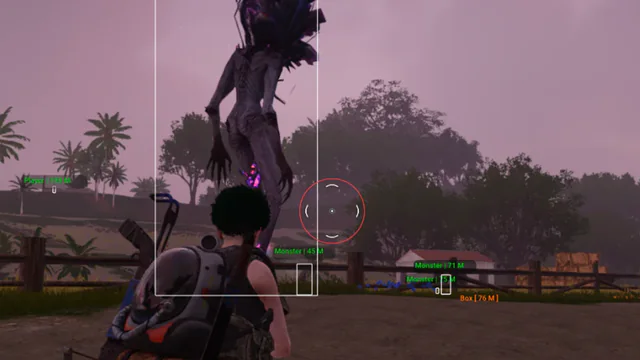
Plans
Once Human Hacks Plans: Complete Suite vs Utilities
Compare Once Human cheat software on PC: the Complete suite versus Cloud DMA, HWID Spoofer, and Skin Changer. Confirm modules on checkout.
Oct 14, 2026 4 min read
Read plan comparison